ScreenConnect Alternative
Understand the problem before you open a remote session.
A remote connection is more useful when you know what to look for. GenticFlow investigates the reported problem and gives you the findings alongside the ticket, with remote control, terminal and files ready when you need them.
- Review live endpoint evidence before connecting.
- Choose remote control, terminal or files for the task.
- Keep the findings and user replies with the ticket.
Try the full platform for 30 days with help from our team.
Give troubleshooting a starting point.
Describe the problem and GenticFlow can check relevant endpoint state, logs and services. You can review the findings and suggested next steps before deciding where to focus your attention.
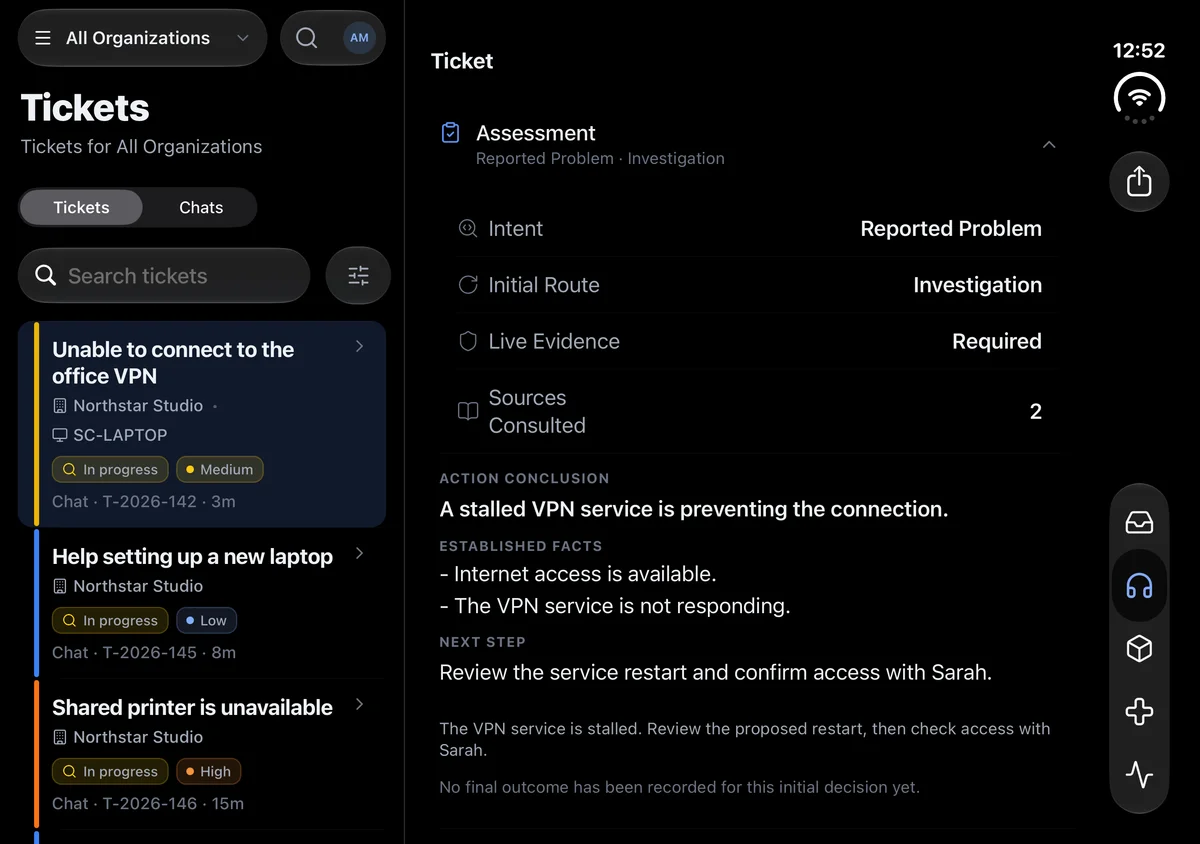

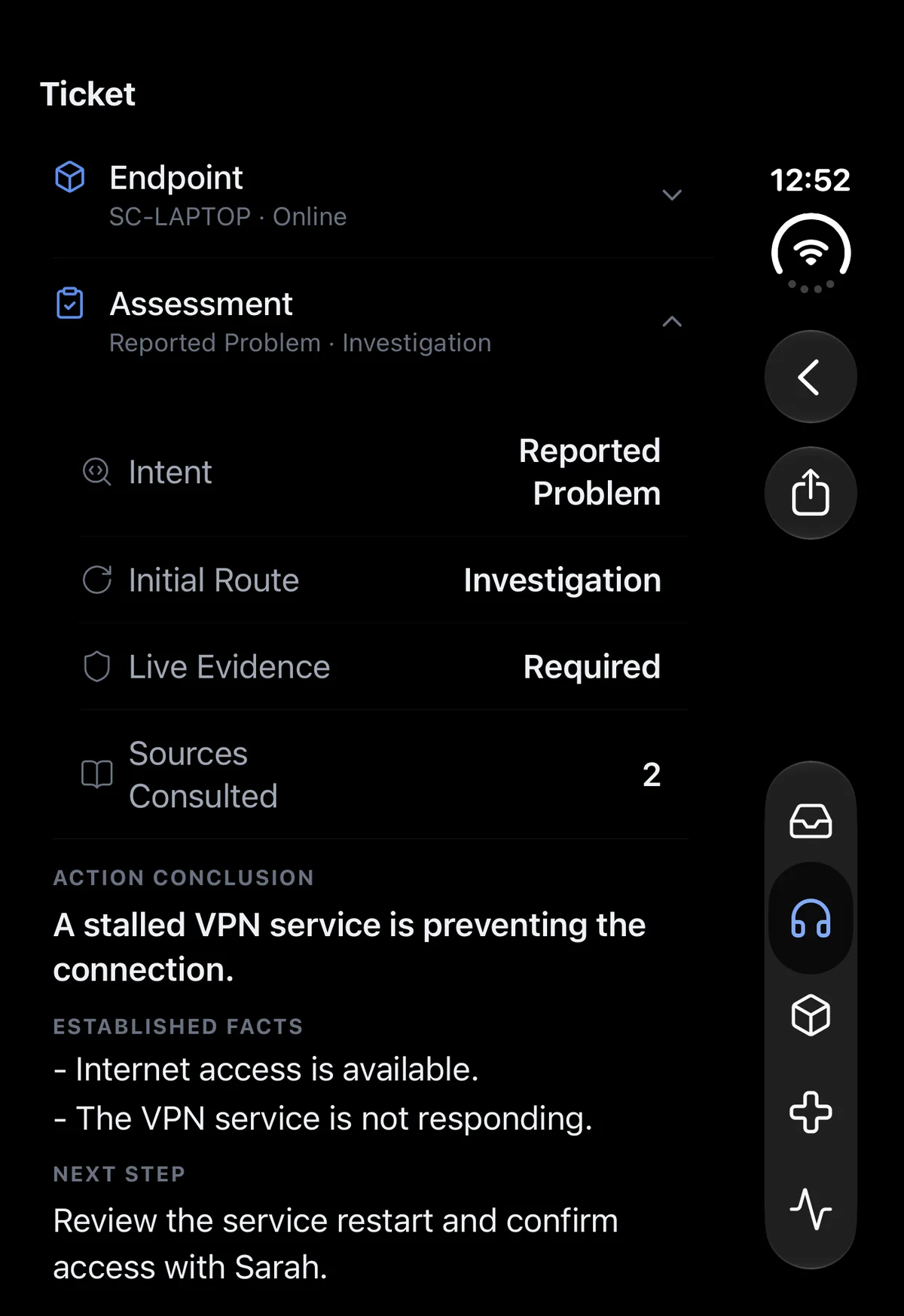

Choose the tool the job needs.
Some problems need a look at the screen, while others need a command or a log file. GenticFlow includes remote control, an interactive terminal and file access, so you can use the tool that fits the task.
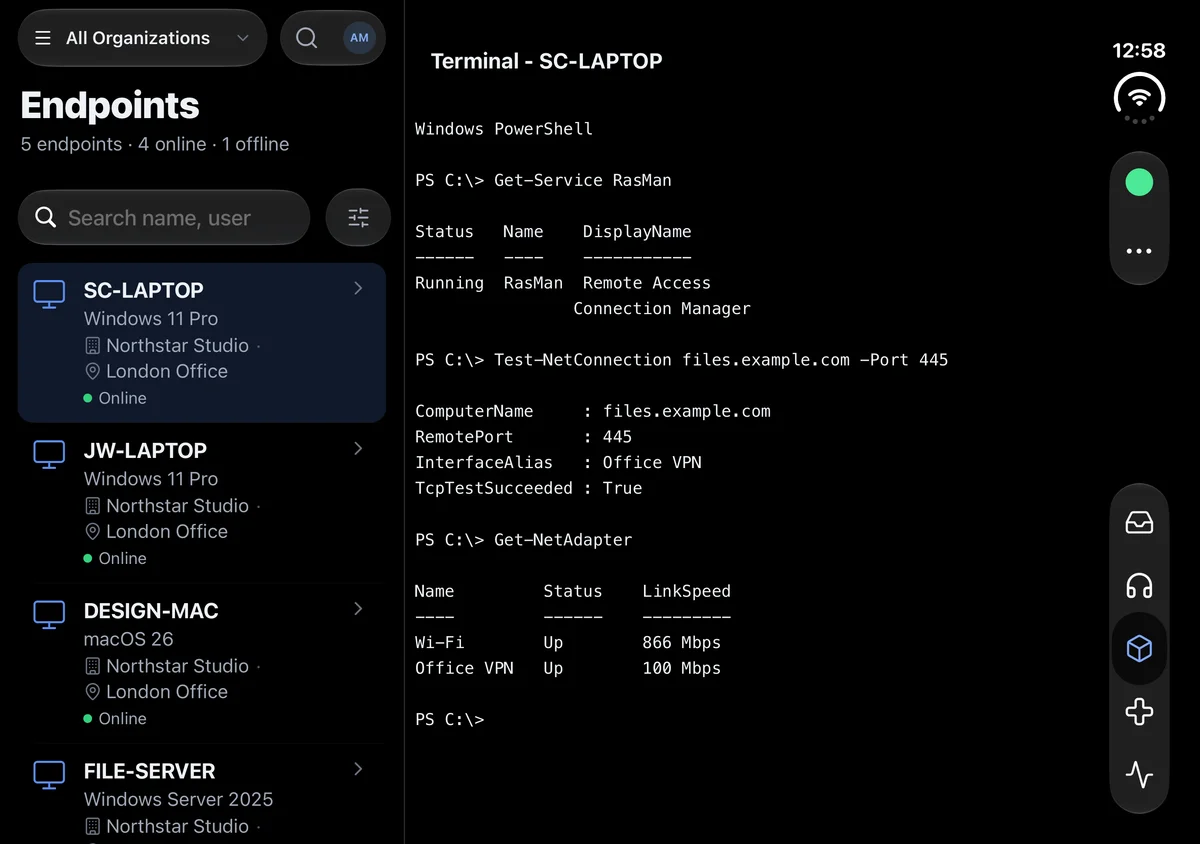
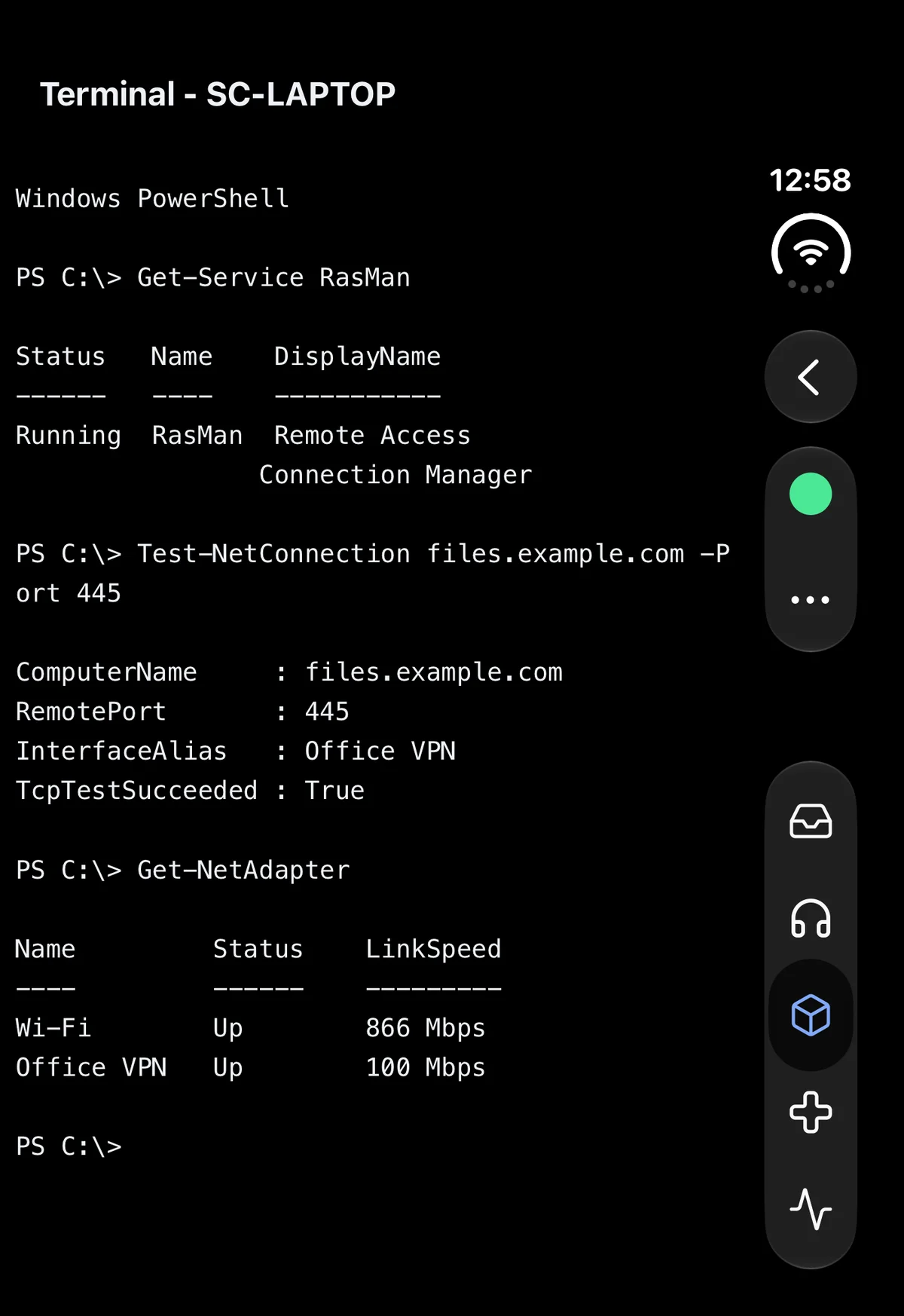
Keep the user in the loop.
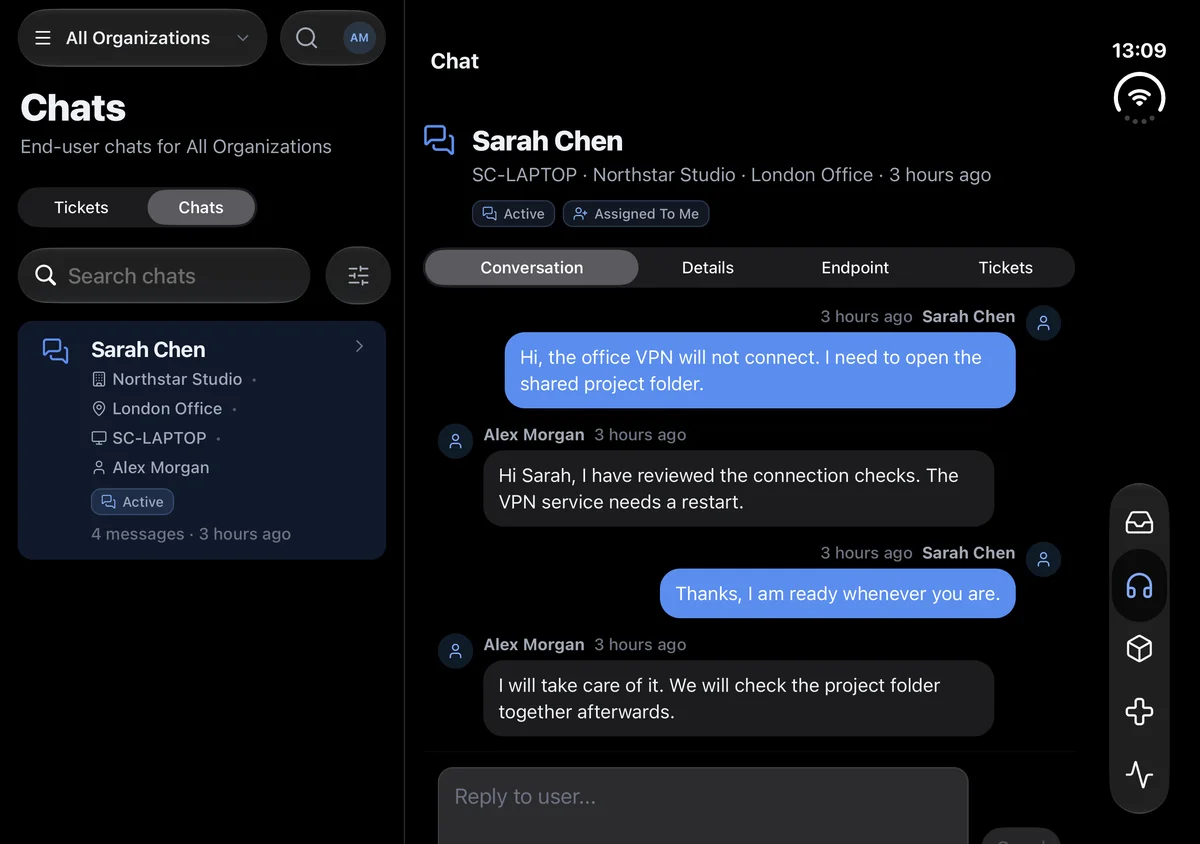
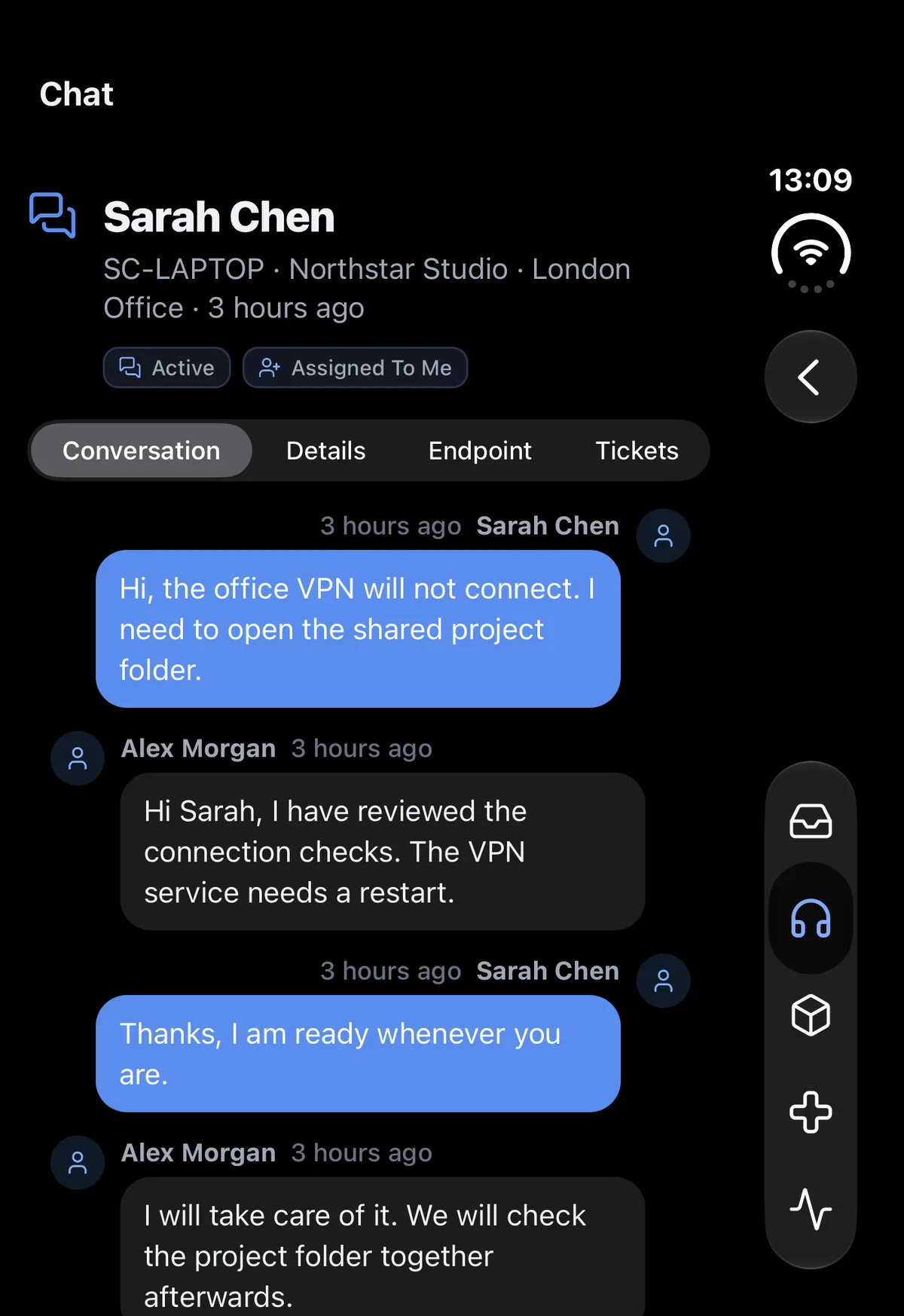
The built-in helpdesk keeps the conversation and technician notes with the request. You can update the user as you work and record the outcome for anyone who handles the next ticket.
See what this could change for your team.
Handle the next request from your phone.
Read the ticket, review the investigation and use remote control, terminal or files from iOS or Android. Your support work stays within reach when you leave your desk.
Give every technician access to the tools.
Technician access is included in endpoint-based pricing. Bring colleagues into the helpdesk and remote support work without buying a separate seat for each person.
Try it on a problem your team knows well.
Use your 30-day trial to investigate a familiar issue on your own endpoint, then choose the remote tool you need. We’ll help with setup so you can evaluate the workflow yourself.
See how GenticFlow would work for your team.
Tell us how you handle support today and we’ll walk you through the parts of GenticFlow that could help, with time for your questions.
Prefer to try it yourself?
Try the full platform for 30 days with your team. We’ll help you get set up.
Start Free Trial