Kaseya VSA X Alternative
Support Windows, Mac and Linux from one mobile app.
Your team supports a mix of devices, and you need to reach them when you are away from your desk. GenticFlow brings remote control for Windows, Mac and Linux into one mobile app, alongside tickets, terminal access, files and automation.
- Connect to Windows, Mac and Linux from iOS or Android.
- Use terminal and file access when a screen session is not enough.
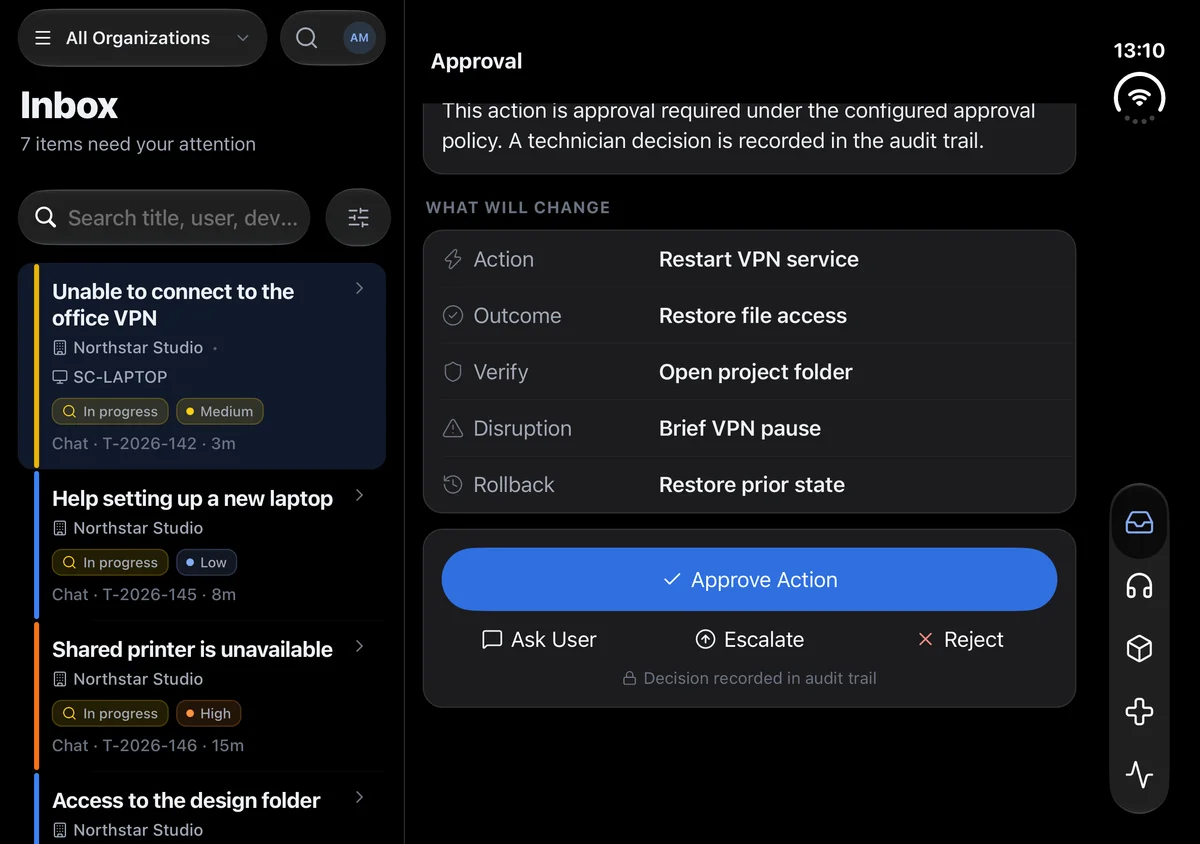
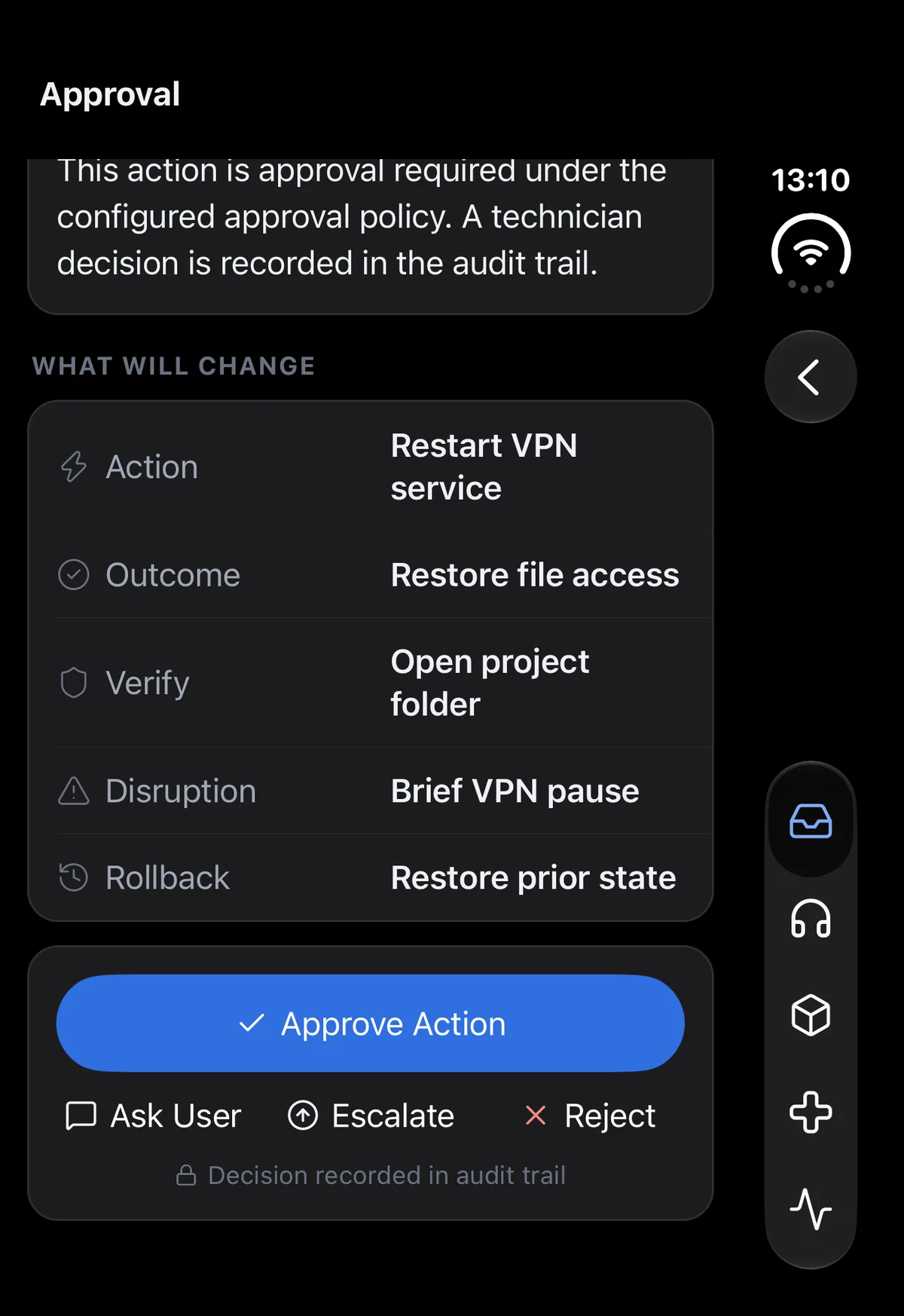
- Run workflows with inputs, approvals and results on mobile.
Try the full platform for 30 days with help from our team.
Reach the desktop you need.
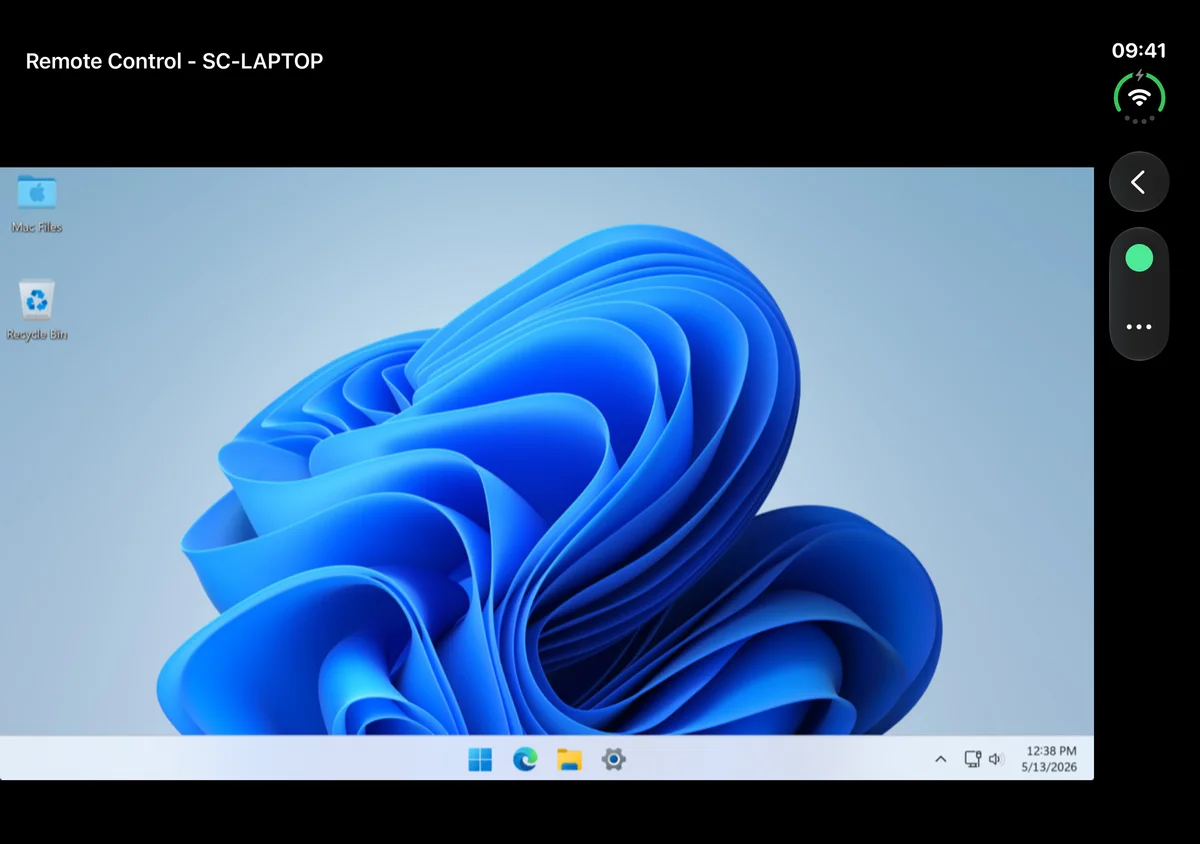
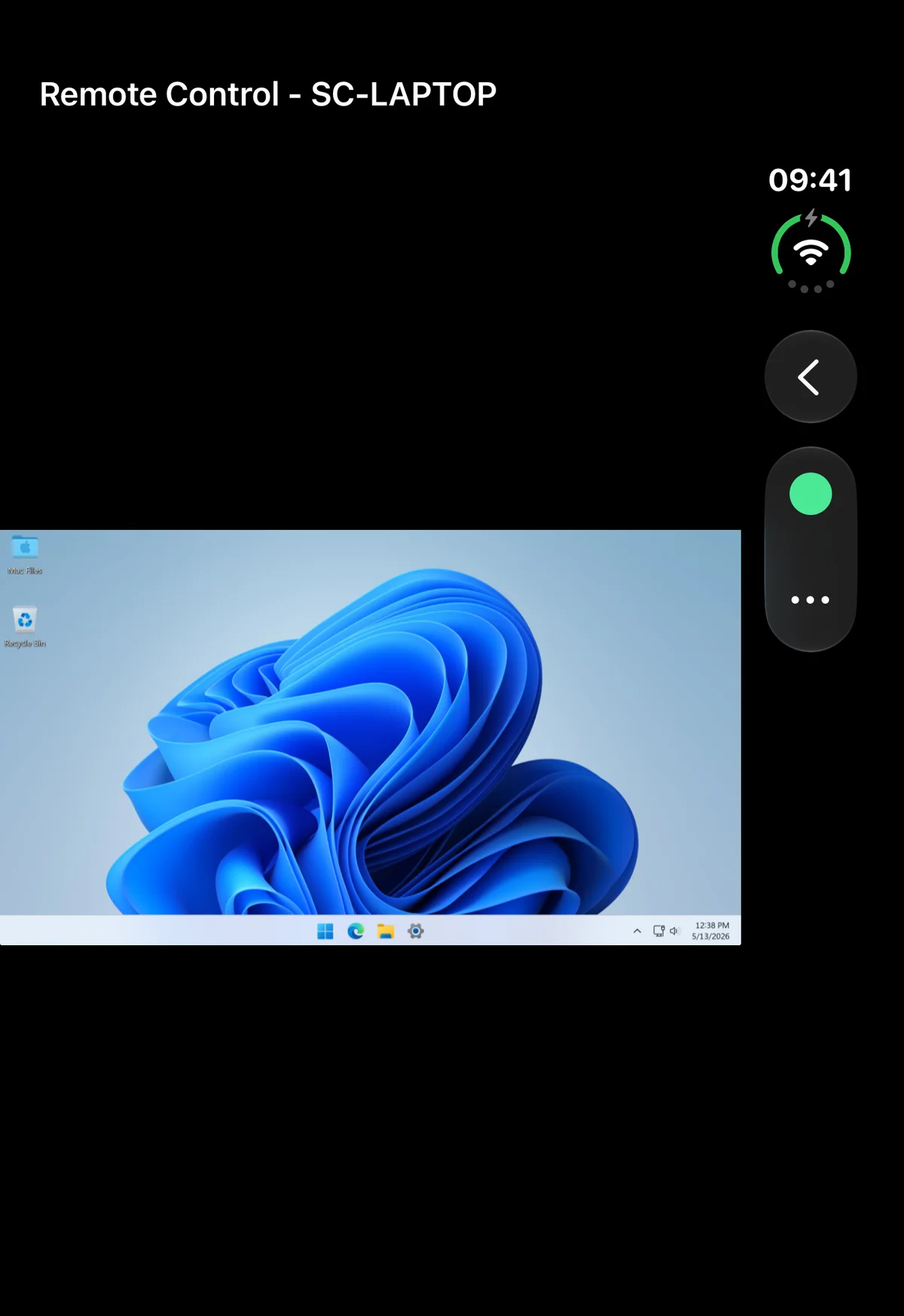
Use your iPhone or Android phone to take remote control of Windows, Mac and Linux desktops. The ticket and endpoint information are available in the same app, so you can review the request before connecting.


Use more than the remote screen.
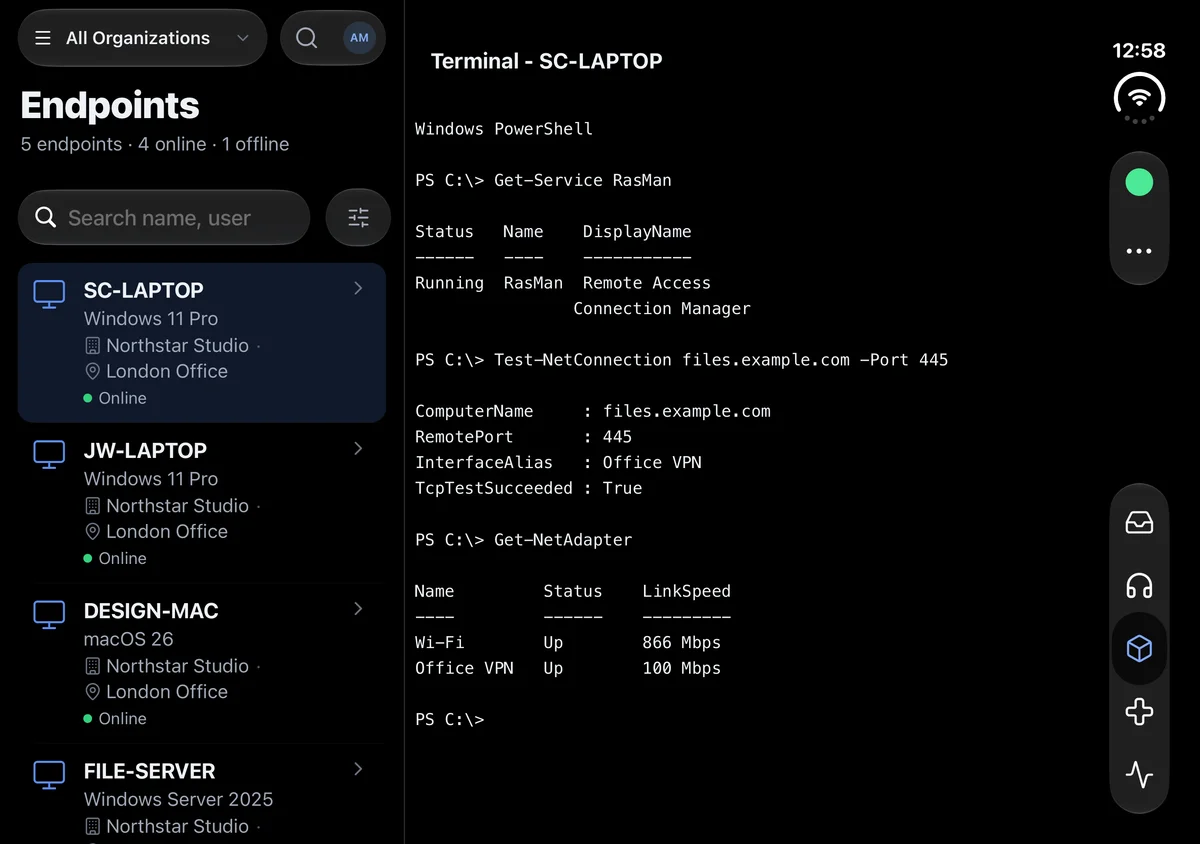
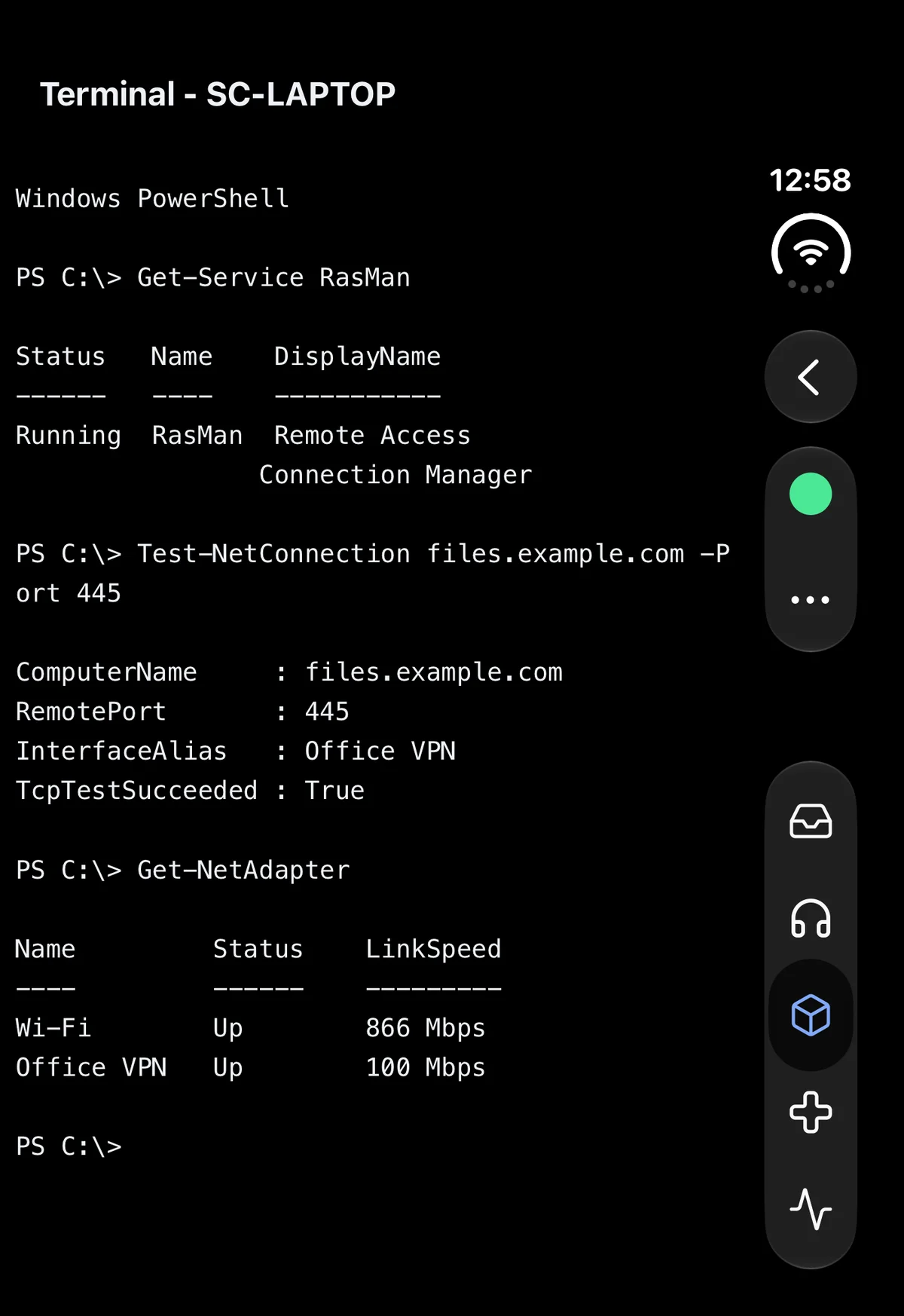
When you need to check a service or retrieve a log, open the mobile terminal or file browser. You can work directly on the endpoint without returning to your laptop.
Run workflows wherever you are.
Launch a workflow or script from the endpoint in the mobile app, then supply inputs and review any steps that need approval. The execution results are available there too, so you can see what happened before following up.
See what this could change for your team.
Take investigation findings into the remote session.
GenticFlow can investigate the reported problem using live endpoint evidence. Review the findings on your phone before deciding which tool or workflow to use.
Bring user requests into the same app.
Built-in ticketing and user conversations give you a shared support queue without adding a separate PSA for ticketing. Read the request and reply while you work on the device.
Test the mix of devices your team supports.
Use the 30-day trial to try remote control, terminal access and workflows with your own Windows, Mac and Linux endpoints. We’ll help you set up the devices you want to evaluate.
See how GenticFlow would work for your team.
Tell us how you handle support today and we’ll walk you through the parts of GenticFlow that could help, with time for your questions.
Prefer to try it yourself?
Try the full platform for 30 days with your team. We’ll help you get set up.
Start Free Trial