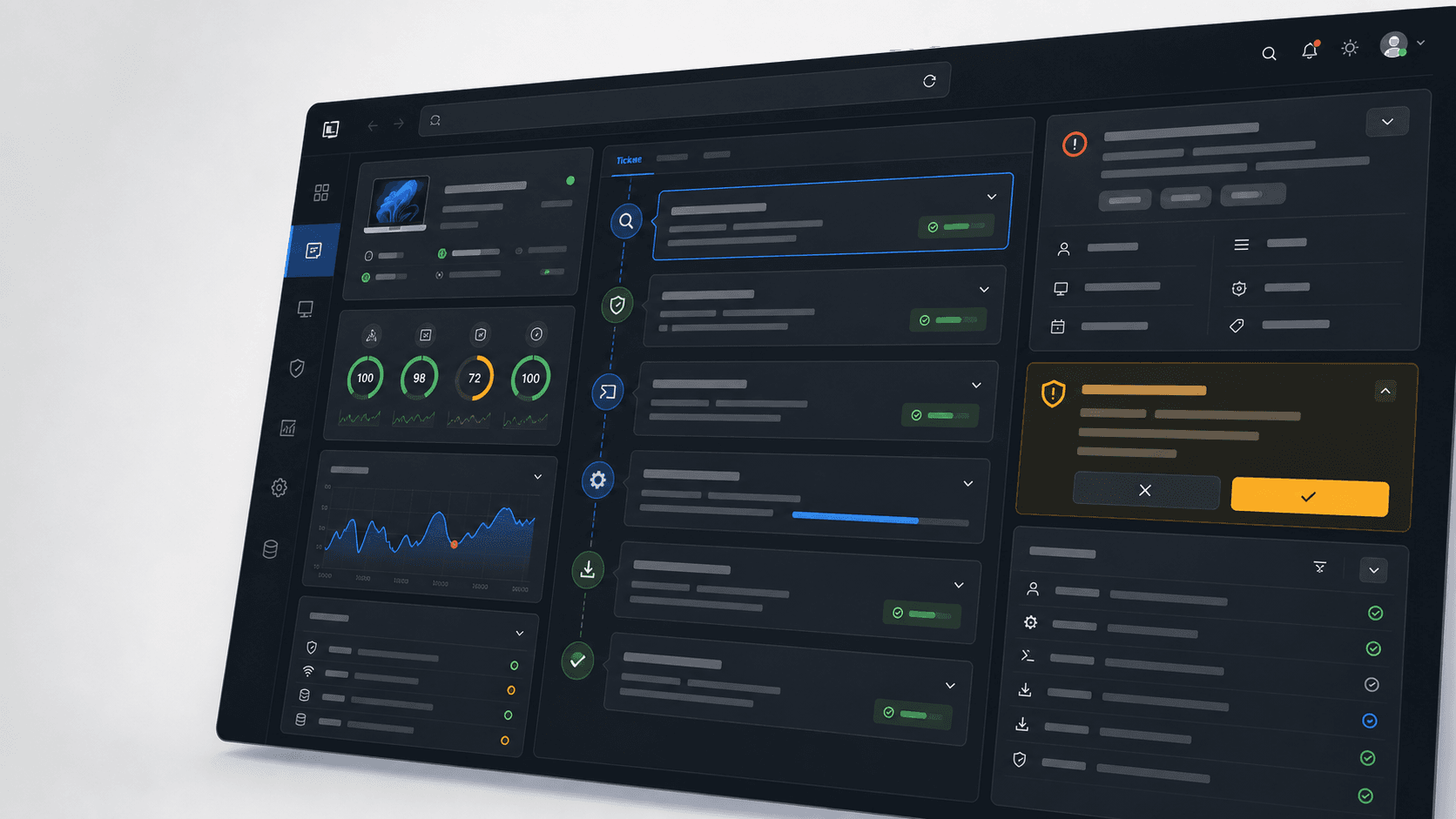
Governed endpoint resolution
Fix the issue on the endpoint.Fewer escalations. Faster resolution. Proof of work.
GenticFlow's lightweight endpoint agent investigates the affected device in real time, runs approved fixes under your policy, verifies the outcome, and either closes the case or escalates it with a complete evidence trail.
Where it starts
Begin with repetitive tickets that already have a safe path.
The fastest pilot is a high-volume category where evidence, action, and verification are explicit. GenticFlow turns that repeatable path into governed automation.
Printer tickets
Spooler, queue, driver, and reachability checks with approved recovery and verification.
VPN and network issues
Client, route, DNS, certificate, MFA, and service investigation before endpoint-side fixes.
Outlook and desktop apps
Profile, add-in, OST, search index, autodiscover, cache, and recent error checks.
Disk and performance issues
Safe cleanup, resource checks, startup review, and diagnosed handoff for deeper problems.
Automated service desk
A broader service desk workflow across intake, investigation, action, verification, and PSA updates.
Resolution playbooks
Governed playbooks for recurring L1 work that should be investigated and resolved the same way every time.
The operating loop
A workflow that works the case, not just the conversation.
Useful support automation is grounded in the affected device, constrained by policy, and measured by verified outcomes.
Understands the request
GenticFlow reads the support request, identifies the user, endpoint, service, urgency, and likely path before the work starts.
Checks knowledge, then the endpoint
It checks relevant knowledge and prior verified work first, then inspects device state, services, logs, processes, disk, network, and recent changes when the device is the answer, instead of guessing from text.
Applies your policy
Every proposed action is checked against allowed fixes, client rules, approval thresholds, and risk before anything runs.
Runs the approved fix
Low-risk actions can run automatically when policy allows. Risky or uncertain work pauses for a technician.
Verifies the result
The same case is checked again after the action, so a ticket closes after proof, not after a suggested answer.
Writes the case history
Findings, actions, approvals, verification, and handoff notes go back to the PSA or ITSM record.
Control
Endpoint action needs operational guardrails.
GenticFlow is built for the support work that admins actually have to trust: endpoint actions, client policies, technician approvals, and a clean record of what happened.
Action is governed
Approval policies decide what can run, what needs sign-off, and what is blocked for each client or team.
Closure needs proof
A recovery check confirms the outcome before an eligible ticket is marked resolved.
Escalation is useful
When automation cannot close the issue, technicians get the diagnostic trail and next step instead of a blank ticket.
Why this is different
The ticket, the endpoint, and the audit trail stay connected.
Chatbots improve the front door. GenticFlow works behind it: gathering device context, applying policy, running approved recovery, verifying the outcome, and documenting the work.


FAQ
Questions before trusting automation with support work.
A useful support pilot should prove action, control, verification, and technician handoff on real tickets.
How does GenticFlow automate support work?
GenticFlow connects the support loop end to end: understanding the request, answering questions from organization documentation, choosing the diagnostic path, reading endpoint context, proposing a fix within policy, verifying the outcome, and writing the case history. It can also investigate fleet-wide across an organization, group, or tag, and technicians can start a General Investigation that searches documentation and verified history with no ticket or endpoint attached.
Is this just a chatbot?
No. Chat is one intake surface, but the important difference is action. GenticFlow connects the request to live endpoint context, governed remediation, verification, and PSA or ITSM updates.
Can it close tickets automatically?
Yes, for eligible issues where your policy allows the action and the verification check passes. You choose per playbook whether a verified fix resolves the ticket automatically or leaves it open for technician review. Anything risky, unclear, client-specific, or outside policy pauses for approval or escalates with evidence.
Does it replace our PSA or ITSM?
Usually no. GenticFlow works alongside systems such as ConnectWise, Autotask, HaloPSA, ServiceNow, Zendesk, Freshservice, Freshdesk, Jira Service Management, and your existing endpoint data sources.
Bring a real ticket to the pilot.
Pick a high-volume ticket category. We will show how GenticFlow investigates the endpoint, applies your policy, runs an approved fix, verifies the result, and records the outcome.