Mobile RMM alternative
Mobile endpoint action for tickets, not just alerts.
Mobile RMM proved technicians want to monitor and act from a phone. GenticFlow takes that mobile motion into support tickets: inspect the affected endpoint, run approved fixes, verify the result, add notes, and keep the evidence.
Ticket resolution loop
The mobile workflow should end with a resolved ticket.
A mobile alert is useful. A mobile ticket workflow is better when it also carries endpoint evidence, policy, action, verification, and the closeout note.
Start from the ticket
Open the support case with customer, user, priority, affected endpoint, current status, and linked investigation context.
Inspect the endpoint
Collect live endpoint state from mobile instead of waiting to get back to a desk: services, processes, disk, updates, logs, and recent activity.
Apply policy
Low-risk actions can run when allowed. Risky actions pause for the same approval path technicians use in the web workbench.
Verify and close
Confirm the endpoint recovered, update the ticket, add the note, and keep commands, approvals, and evidence attached.
What technicians can do
Mobile RMM-style action, focused on support outcomes.
GenticFlow gives technicians mobile access to the tools that matter once a ticket exists: investigation, approved fixes, remote control, terminal, verification, and the record.
Mobile endpoint command center
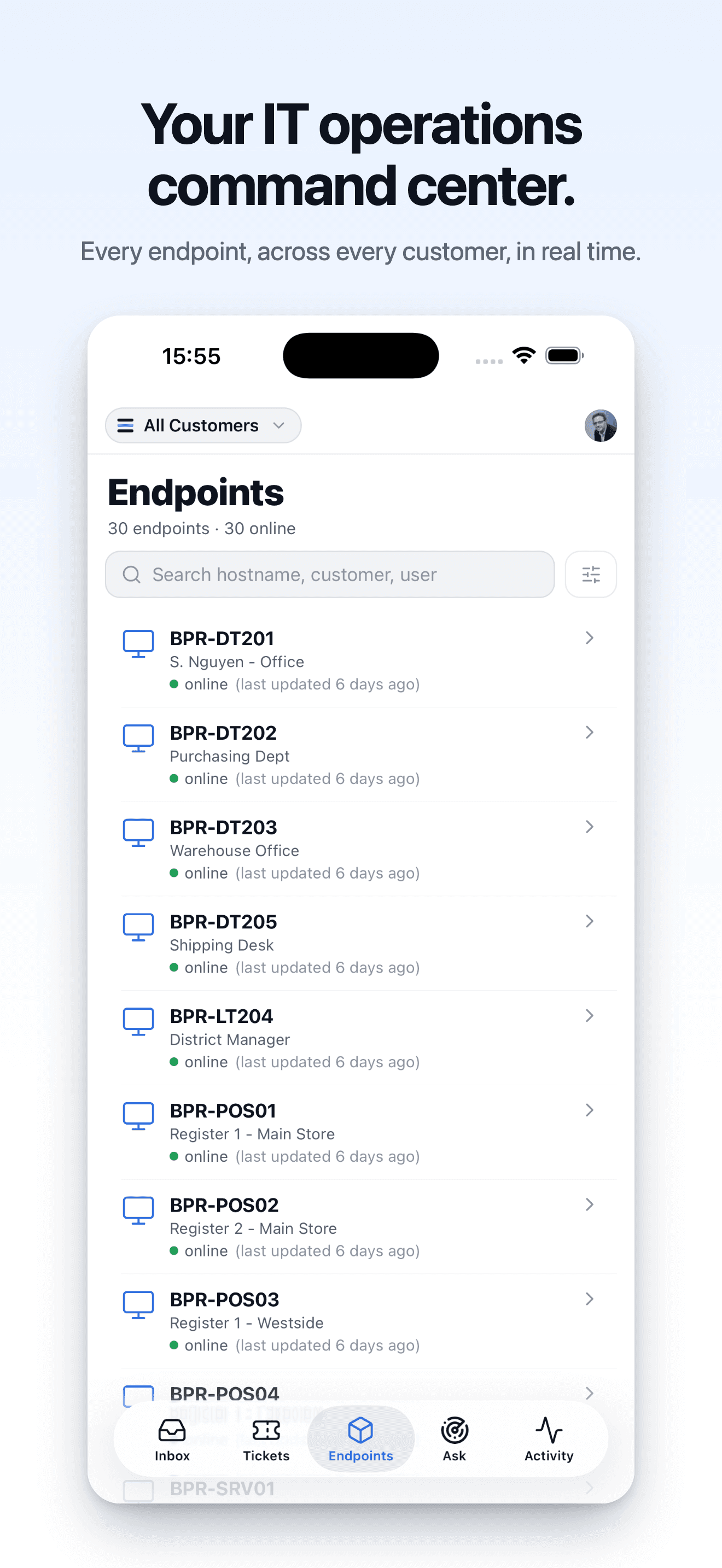
See the affected endpoint and move between inbox, tickets, endpoint health, fleet questions, and activity from the app.
Approved fixes
Run governed remediation from the ticket when policy allows, with approvals and results captured on the support record.
Remote control
Start a remote session when the issue needs screen-side confirmation or guided user support.
Secure terminal
Use terminal access for diagnostics, verification, or controlled escalation when command-line work is needed.
Root cause evidence
Review investigation findings, evidence, and recommended actions before deciding whether to fix, escalate, or close.
Resolution record
Keep the final note, verification result, command output, approval state, and escalation context with the ticket.
Use with your RMM
Keep endpoint operations. Add mobile ticket closure.
The right split is practical: your RMM keeps broad endpoint management, and GenticFlow owns the support loop around each ticket that needs investigation and action.
Keep your RMM for monitoring, inventory, policies, and broad endpoint operations; patching can stay there or run through GenticFlow patch rules.
Use GenticFlow when a ticket needs live endpoint investigation, approved action, verification, and notes.
Measure closed tickets and diagnosed escalations, not just alerts acknowledged from a phone.
FAQ
Common mobile RMM alternative questions.
Is GenticFlow a full mobile RMM replacement?
No. GenticFlow is a mobile RMM-style support layer for endpoint ticket resolution. Keep your RMM for monitoring, inventory, policies, and broad endpoint operations; patching can stay there or run through GenticFlow patch rules. Use GenticFlow for ticket context, investigation, approved fixes, verification, notes, and evidence.
Why would mobile RMM users add GenticFlow?
Mobile RMM is strong for alerts and endpoint operations. GenticFlow focuses on the support case: what the ticket says, what the endpoint proves, what action is approved, whether the fix worked, and what record lands back on the ticket.
Can technicians run fixes from mobile?
Yes, when policy allows. GenticFlow can run approved endpoint actions from mobile and pauses higher-risk work for approval. The decision, command output, and verification stay on the ticket record.
What should we test first?
Choose one ticket category technicians already handle from mobile, such as VPN, printer, disk space, service restart, Outlook, or slow endpoint issues. Require endpoint evidence, action policy, verification, notes, and a final ticket record.
Test one mobile-handled ticket category.
Bring a recurring issue your technicians already handle away from the desk. We will show ticket context, endpoint investigation, approved action, verification, and the final record.